How sharing a secret works
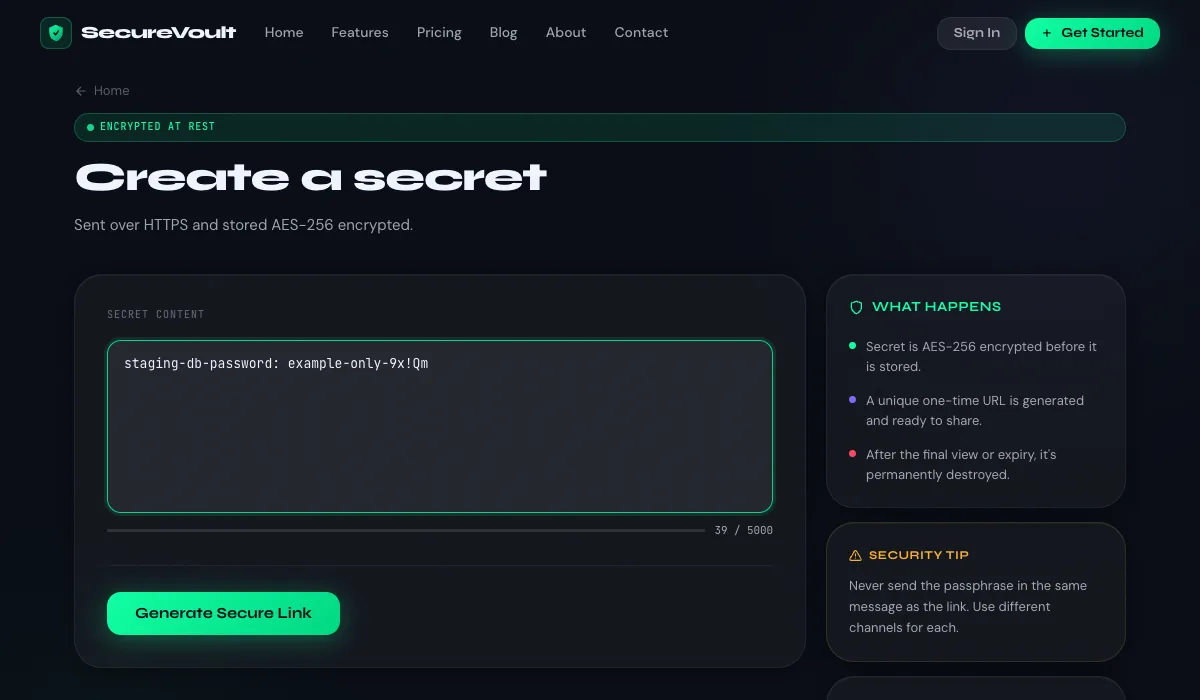
- Paste your secret — a password, API key, recovery code or any short text.
- Choose the rules — how many times it can be opened, when it expires, and an optional passphrase.
- Send the link — the secret is stored AES-256 encrypted and deleted when the limit or expiry is reached.
What you can share
Anything short and sensitive: passwords, API keys, access tokens, database credentials, recovery codes, licence keys, Wi-Fi passwords or a private message. Secrets can be up to 5,000 characters, and paid plans can attach files.
What happens to your secret
- It is sent over HTTPS and stored AES-256 encrypted.
- The recipient opens the link; once it has been viewed the allowed number of times, or the expiry time passes, it is permanently deleted.
- An optional passphrase is stored only as a one-way hash and checked before the secret is shown.
Tips for sending secrets safely
- Send the link and any passphrase over two different channels.
- Use the shortest expiry that works — an hour is usually enough.
- If someone tells you the link was already opened, treat the secret as compromised and change it.
Common questions
Do I need an account?
No. You can create a one-time link as a guest. An account adds history, secret requests, chat rooms and higher limits.
What if the link is opened before the recipient sees it?
The secret would already be deleted for them. Send the link directly to the recipient and add a passphrase for sensitive items.
How long can a link last?
You choose 1 hour, 12 hours or 24 hours, and paid plans add 7-day and custom expiry.
New to this? Read how to share passwords securely, learn how one-time links work, or see the frequently asked questions.