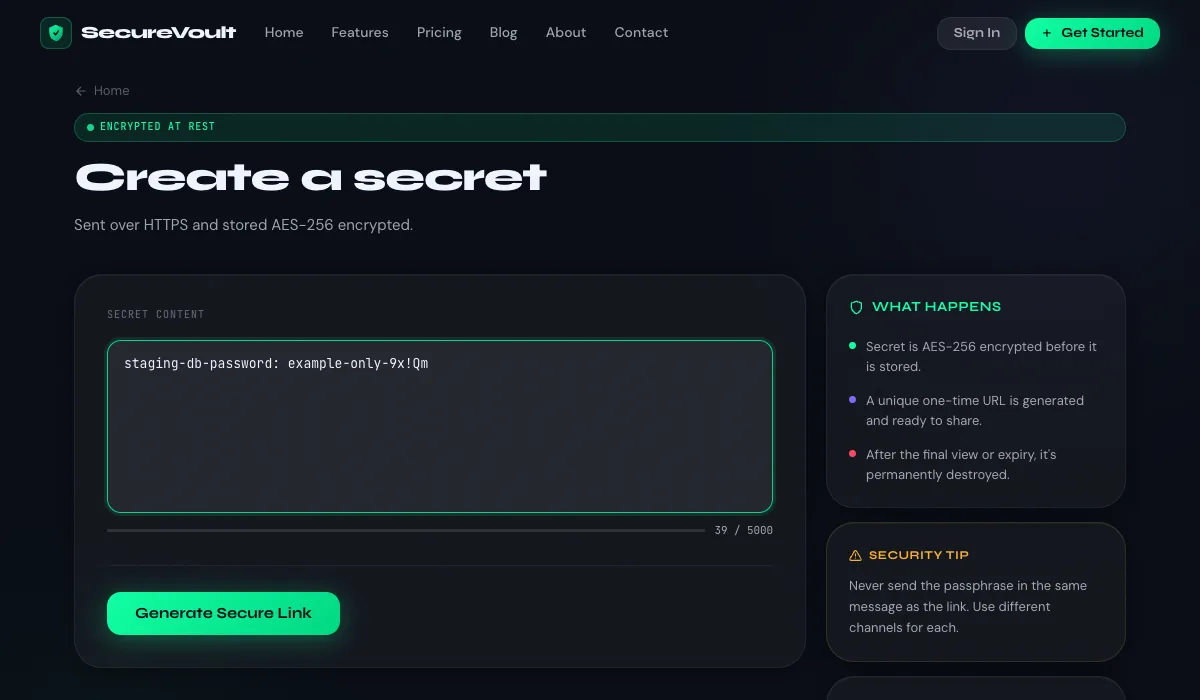
How a one-time link works
- You submit the secret and choose a view limit and expiry.
- The service stores the secret encrypted and gives you a random, hard-to-guess link.
- When the recipient opens the link, the secret is shown and the view counter increases.
- When the view limit or expiry is reached, the secret is permanently deleted and the link stops working.
When to use one
- Sharing a password or recovery code with a teammate or client.
- Sending an API key, token or database credential to a developer.
- Passing along a Wi-Fi password, licence key or other short-lived information.
- Onboarding a new employee with their first credentials.
What to look for in a secret-sharing tool
- Secrets are encrypted before they are stored.
- View limits and expiry you control.
- Optional passphrase protection that is checked on the server.
- Deletion that actually removes the data after viewing.
- A clear explanation of who can read your data. Be wary of tools that make vague "zero knowledge" claims.
Limits to be aware of
A one-time link protects a secret in transit and at rest, but it cannot protect a recipient whose device is compromised, and anyone who obtains the link before the intended person can open it first. Send links directly to the recipient and use a passphrase for sensitive items.
Frequently asked questions
What happens after a one-time link is opened?
After the allowed number of views, the secret is deleted and the link shows that it no longer exists.
Can a one-time link be opened twice?
Only if you set a higher view limit. The default is a single view.
What if someone else opens the link first?
They would see the secret and the intended recipient would get an error. This is why you should send the link directly and consider adding a passphrase.
Share a secret now
Create a one-time, self-destructing link in seconds. No account needed.
Create a secret link