Why chat and email are the wrong place for passwords
- Messages are stored for years in mailboxes, chat history and backups.
- Anyone who later gains access to that account or workspace can search for "password".
- Forwarded messages and screenshots spread the credential beyond the intended person.
- You cannot take a sent message back once the recipient has it.
How to share a password with a one-time link
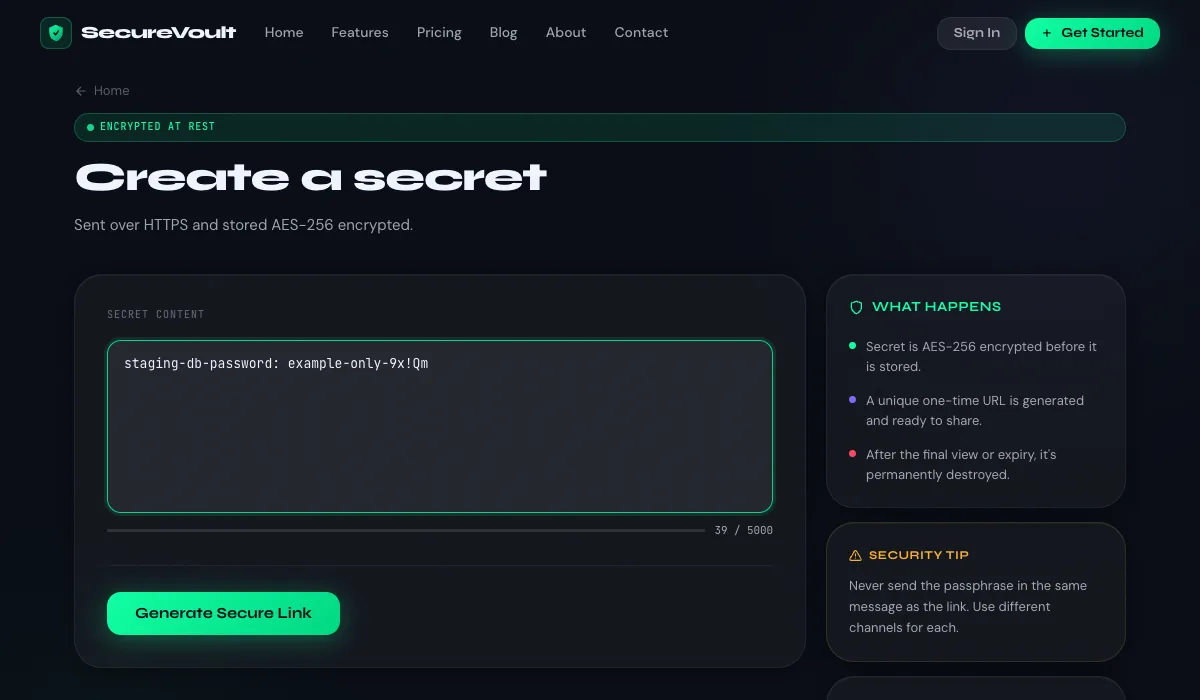
- Open SecureVoult and paste the password into the secret box. No account is needed.
- Choose how many times it can be viewed (one view is the default) and when it should expire.
- Optionally add a passphrase and send the passphrase through a different channel.
- Copy the link and send it. Once it has been opened the allowed number of times, the secret is deleted.
Tips for safer password sharing
- Share the link and any passphrase over two different channels, for example email and a phone call.
- Set the shortest expiry that works. An hour is usually enough.
- Ask the recipient to change a shared password after first login.
- If the recipient reports that the link has already been opened, treat the password as compromised and rotate it.
How SecureVoult protects the password
Your secret travels over HTTPS and is AES-256 encrypted before it is stored. It is decrypted only when the link is opened, then destroyed. Passphrases are stored only as one-way hashes.
Frequently asked questions
Is it safe to send a password by email?
It is risky, because the email is stored in several places and can be read by anyone who later gains access to those mailboxes. A one-time link avoids leaving the password in the message.
What is the safest way to share a password with a colleague?
Use a self-destructing one-time link, send any passphrase over a different channel, and ask them to change the password after first use.
Do I need an account to share a password on SecureVoult?
No. You can create a one-time secret link without signing up. Accounts add history, higher limits and extra features.
Share a secret now
Create a one-time, self-destructing link in seconds. No account needed.
Create a secret link